
Your format, from the start.
Choose the sections and structure you use, so there is less to reorganize afterward.
For therapists & counselors
Spend less time writing session notes. TransAI Scribe turns conversations into notes in your preferred format, with AI processing on a dedicated device—no internet required, no session conversation sent to the cloud.
Now inviting a limited number of pilot partners

Choose a format or customize your own.
Capture sessions on a separate, portable device.
Client conversations are processed on-device.
Attention in the session. Details in the note.
Stay with the conversation while Scribe captures what was said. Turn session details into notes using DAP, SOAP, or your own template.
Choose the sections and structure you use, so there is less to reorganize afterward.
Record the session with consent, or speak your own summary after the conversation.

Illustrative note example. Review and edit each draft before adding it to your record.
Client described work-related stress and difficulty switching off in the evening. Clinician and client explored boundaries around after-hours work.
Clinician noted ongoing difficulty separating work demands from personal time.
Client agreed to try an evening wind-down routine. Review the experience and barriers at the next session.
More room for your own time
Start with the session already organized in your chosen format. Spend less of your evening writing—and more of it with your family or on your own time.
A dedicated, portable device
Scribe records on its own device, so an incoming call on your phone doesn’t interrupt the recording. Take it where you see clients.

Where Scribe fits into care
Keep Scribe beside you during the session. Give the conversation your attention while it captures the details.
A portable option for home visits and community settings. Core transcription and note generation work offline.
Use Scribe alongside your computer with a supported audio setup. Discuss your platform and headset during the demo.
Privacy you can explain
Core transcription and note generation happen on the device. You decide what to keep and what to move into your record system.
Core AI processing runs without an internet connection. Session content does not need to be uploaded to a cloud AI service.
For on-device use where TransAI does not receive or maintain client information. Requirements for your EHR and other services remain separate.
Set audio recordings to delete automatically after note generation. Let clients know the recording won’t be kept, helping them feel more comfortable.
Review your note, then choose what to copy or export. Your selected destination determines how exported content is handled.
FROM CONVERSATION TO YOUR RECORD
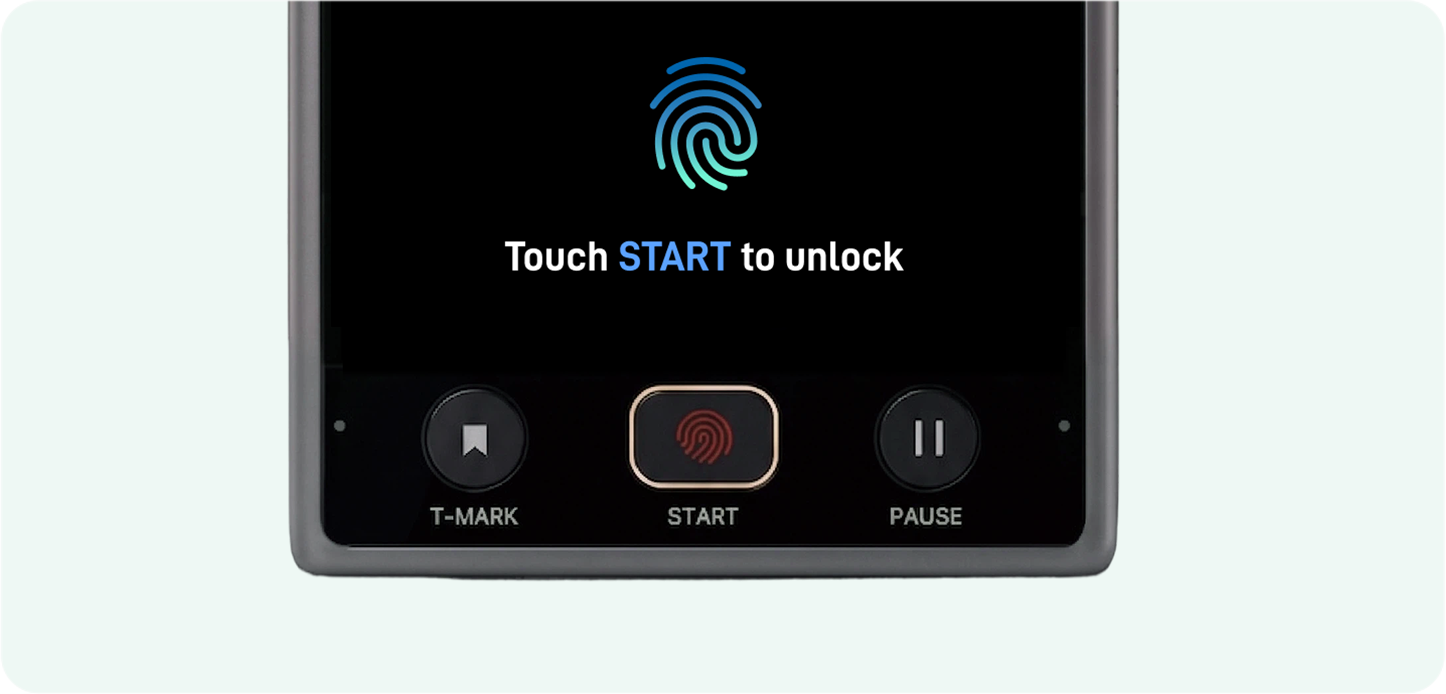
01 / CAPTURE
Record a session with consent, or dictate your clinical summary afterward.
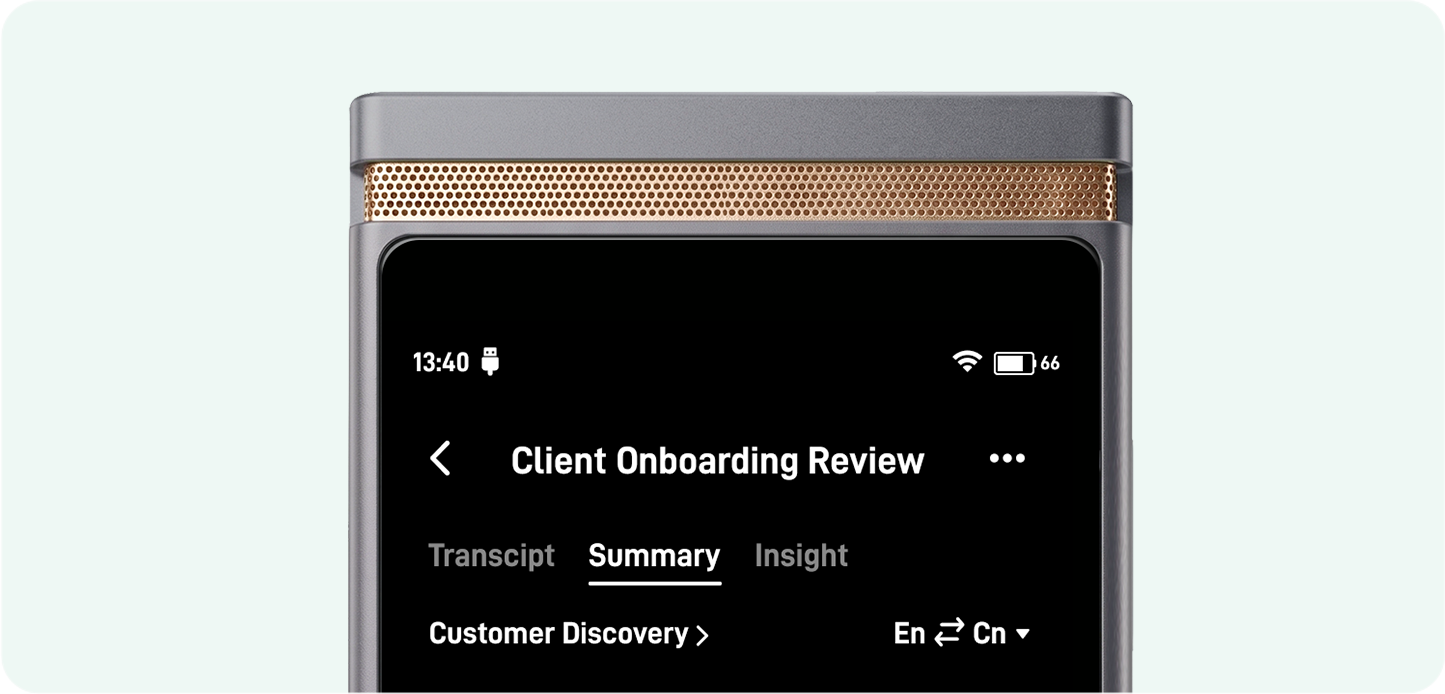
02 / CREATE
Generate a draft with a selected or custom template. Check the details and make any necessary changes.
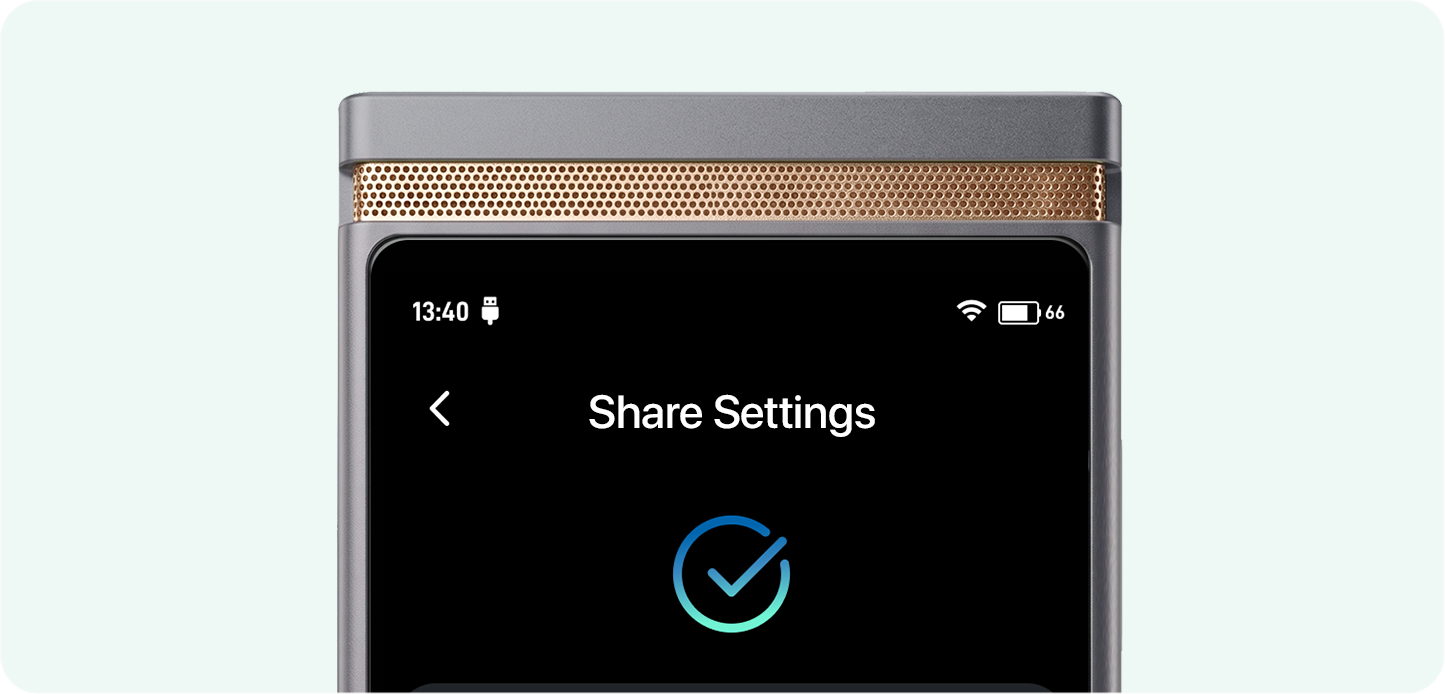


03 / FINISH
Copy or export the finished note through a supported method. Confirm the best path for your EHR during your demo.
Before you join
For on-device use where TransAI does not receive or maintain client information, a BAA with TransAI is not required. This does not determine requirements for your EHR, telehealth platform, or other services. Any change in data handling needs to be assessed separately.
Scribe supports selected formats and custom templates. Bring the sections and structure you use to the demo. If you need separate versions for different purposes, we’ll discuss the supported approach and evaluate it during the pilot.
You can dictate your own summary after the session and use it to create a structured draft. Follow your practice’s policies for recording, consent, and record handling.
We’ll review your audio setup and the supported way to copy or export notes into your record system. Compatibility depends on the setup; copy and export are distinct from direct EHR integration.
Tell us about these needs when applying. Multi-speaker capture, speaker labels, and supervision formats are useful scenarios to assess together during the pilot. We’ll confirm the supported scope before you start.
We’ll explain pilot terms, device arrangements, ongoing fees, and the supported update process before you decide to participate. Applying does not commit you to a purchase.
Limited pilot partner intake
We’re inviting a limited number of therapists, counselors, and other mental health professionals to join the TransAI Scribe pilot.
Try it with the note formats you use. Help us evaluate:
Tell us how you currently take notes. We’ll contact you to discuss fit and pilot arrangements.
Prefer to see it first? Book a demo ↗
Please do not include client names, session details, or other sensitive client information.
Opening the calendar so you can choose a time…
Choose a Time