

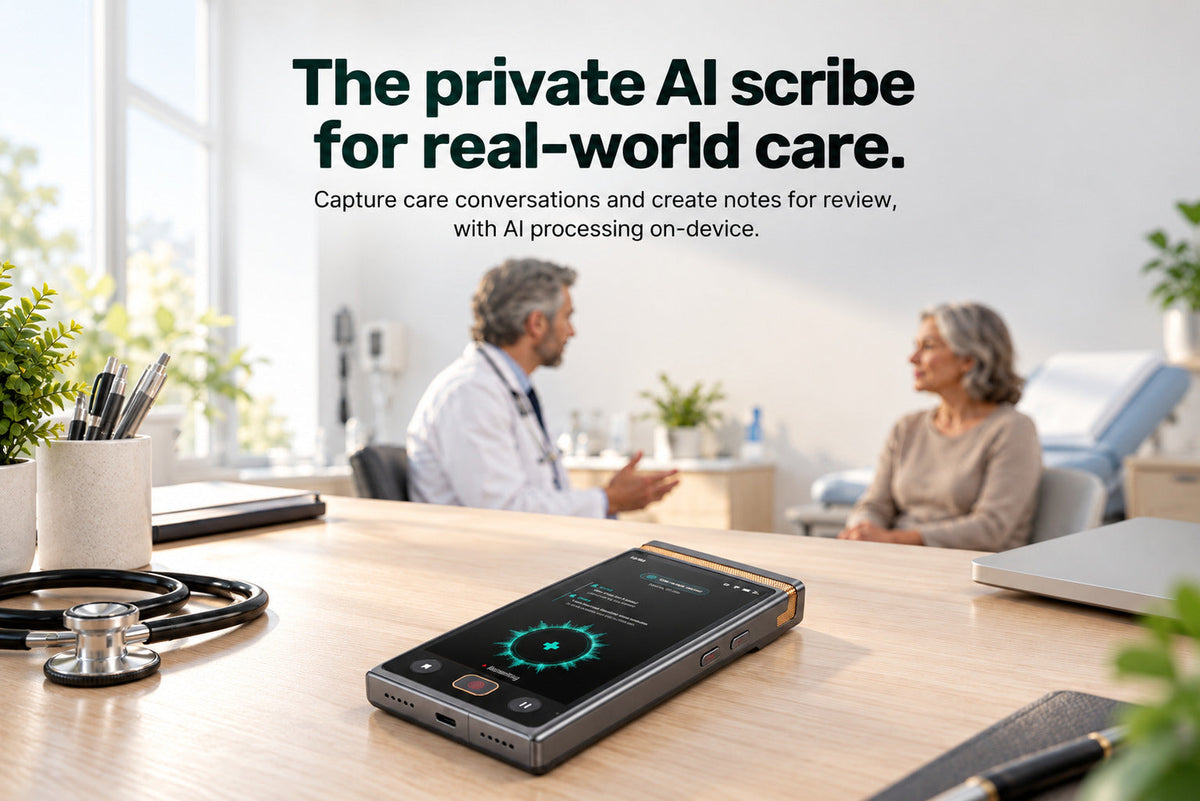
An on-device AI scribe turns a care conversation or dictated summary into a clinical note draft, with core transcription and note processing running on the device. The clinician reviews and edits the draft, then decides what enters the existing record.
A clinic visit or therapy session ends. The details still need to make it into the note. That can mean reconstructing the conversation afterward, or dividing attention between the person and the chart while the encounter is happening.
This article follows that conversation through capture, drafting, review, and transfer, using TransAI Scribe as a concrete example. The important questions are what becomes the draft, where the audio is processed, and which decisions stay with the clinician.
What can become a clinical note draft?
TransAI Scribe supports two starting points: a visit or session captured with consent, or a summary dictated by the professional afterward. Both can become structured drafts for review and editing.
These inputs serve different moments. Capturing the conversation provides material from the encounter itself. Dictating afterward lets the professional summarize the encounter in their own words. In the second case, the draft starts from what the professional includes in that summary; it should not be treated as a transcript of the full visit.
For a therapist who prefers to summarize after a session, for example, dictation offers a way to turn spoken recollections into a structured starting point. This is an illustrative use of the two input options, not a measured customer result.
How does the conversation become a reviewed note?
The sequence is capture, draft, review, and transfer. Each step changes either the material being worked on or the decision the professional needs to make.
| Step | Material or output | Professional’s decision |
|---|---|---|
| Capture | Consented visit audio or post-visit dictation. | Choose the input that fits the encounter. |
| Draft | A structured draft, such as a SOAP-style note or custom-template summary. | Choose the structure needed for the note. |
| Review | A draft the clinician can check and edit. | Correct the text and decide what belongs in the final note. |
| Transfer | Selected, reviewed text for the existing record. | Decide what to copy or export. |
The distinction between draft and record matters. Generating text provides a starting point. Reviewing the content and deciding what enters the record remain professional tasks.
Where is the audio processed, and what happens afterward?
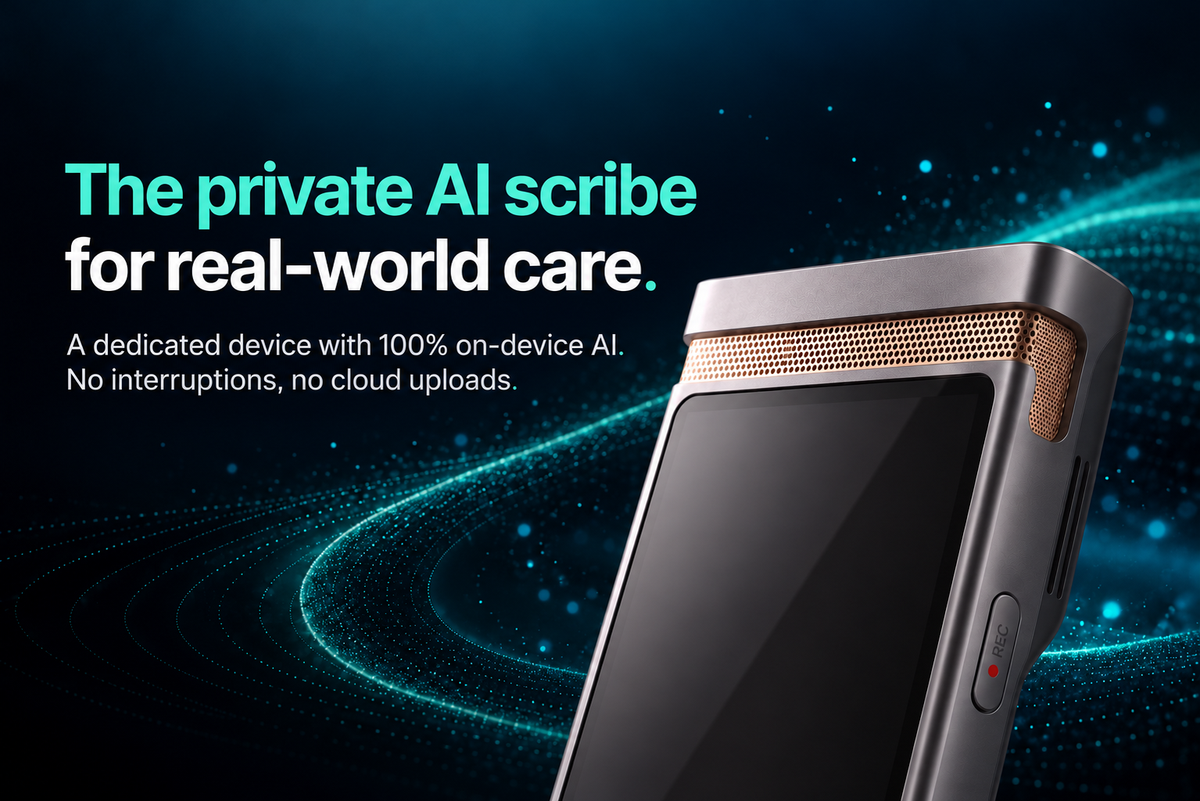
TransAI Scribe runs core transcription and note processing on the device, even without an internet connection. Audio stays on the device during processing. The recording can be set to delete automatically once transcription and summary generation are complete.
Processing, retention, and export answer three different questions:
- Processing: Where does the audio become text and a draft? For Scribe’s core AI steps, on the device.
- Retention: What happens to the recording after those steps? The configurable auto-delete setting concerns the audio recording.
- Export: What moves into another system? The clinician chooses what reviewed text to copy or export.
Deleting a recording should not be read as a promise that every transcript, note, or exported copy is also deleted. Likewise, on-device processing describes where the core AI work happens; the clinician’s later transfer into an existing record is a separate step.
For more on that distinction, see TransAI’s explanation of on-device AI processing and its security and privacy approach.
How do SOAP-style notes and custom templates fit?
TransAI Scribe can create SOAP-style drafts and summaries based on custom templates. The template gives the draft a structure; the clinician still reviews and edits what fills that structure.
When assessing a template, start with the note you need to finish. Are the sections appropriate? Does the draft contain the relevant details? What needs correction or additional context before it is copied into the record? A familiar layout can make the output easier to work through, but the layout alone does not establish that a note is complete.
A starting point for the note, with the clinician in control
TransAI Scribe is the private AI scribe for real-world care. It is a dedicated device for clinicians, therapists, counselors, and care teams, built to turn care conversations into useful drafts while keeping core AI processing on-device.
The aim is to reduce the need to piece together an encounter afterward and help professionals stay focused on the person receiving care. The final step remains explicit: review the draft, edit it, and choose what goes into the record.


Hinterlasse einen Kommentar
Alle Kommentare werden vor der Veröffentlichung geprüft.
Diese Website ist durch hCaptcha geschützt und es gelten die allgemeinen Geschäftsbedingungen und Datenschutzbestimmungen von hCaptcha.