
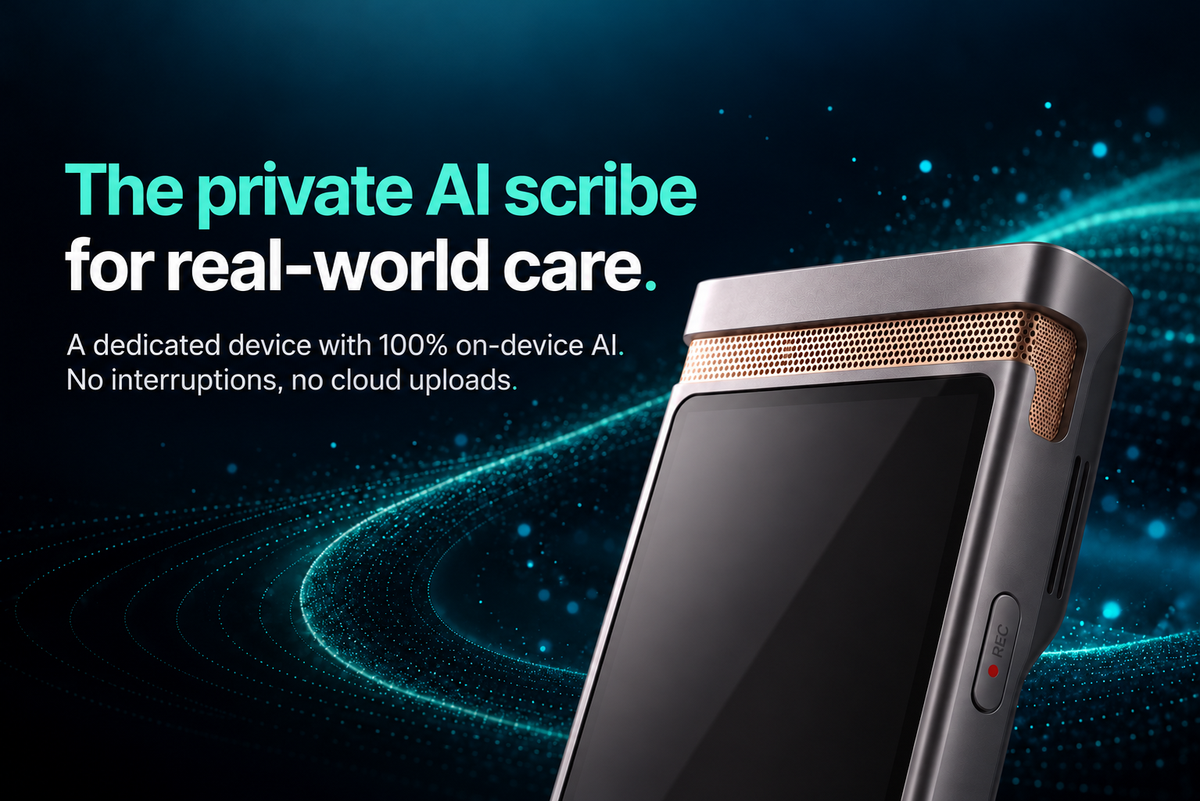
An AI scribe device separates session capture from the phone you use for calls, messages, and everything else. That can reduce one source of disruption, but the device itself is only part of the decision. Clinicians should also examine where processing happens, what becomes a draft, what is retained, and how reviewed text moves into the record.
For many therapists and counselors, the phone is the most convenient recorder available. It is already in the room, familiar, and easy to reach. But it is also a communications hub. Calls arrive. Notifications appear. Other apps compete for attention. Even when none of those events stops a recording, checking that the phone is still capturing can pull attention away from the client.
An AI scribe device changes that setup by giving the session a device with one primary job. This article explains what that difference can mean—and what to verify before choosing a dedicated device instead of a phone-based recording app.
What changes when your phone is not the recorder?
The clearest change is separation of roles. Your phone continues to handle calls, messages, scheduling, and other daily tasks. The AI scribe device handles the approved capture and note-drafting process.
This does not mean a dedicated device can never stop recording or that every phone app will be interrupted. The practical benefit is narrower: a call or notification on your phone does not have to share the same device that is capturing the session. You can put the phone away and keep the recording task visible on a separate piece of hardware.
That distinction matters most in conversations where attention is part of the work. A therapist should not have to wonder whether an incoming call changed the recording state. A client should not have to compete with a glowing phone screen on the desk. A dedicated AI scribe can make the recording role easier to explain and easier to see.
An AI scribe device should do more than capture audio
Recording is only the first step. A useful AI scribe should connect the session to a note the professional can review and finish.
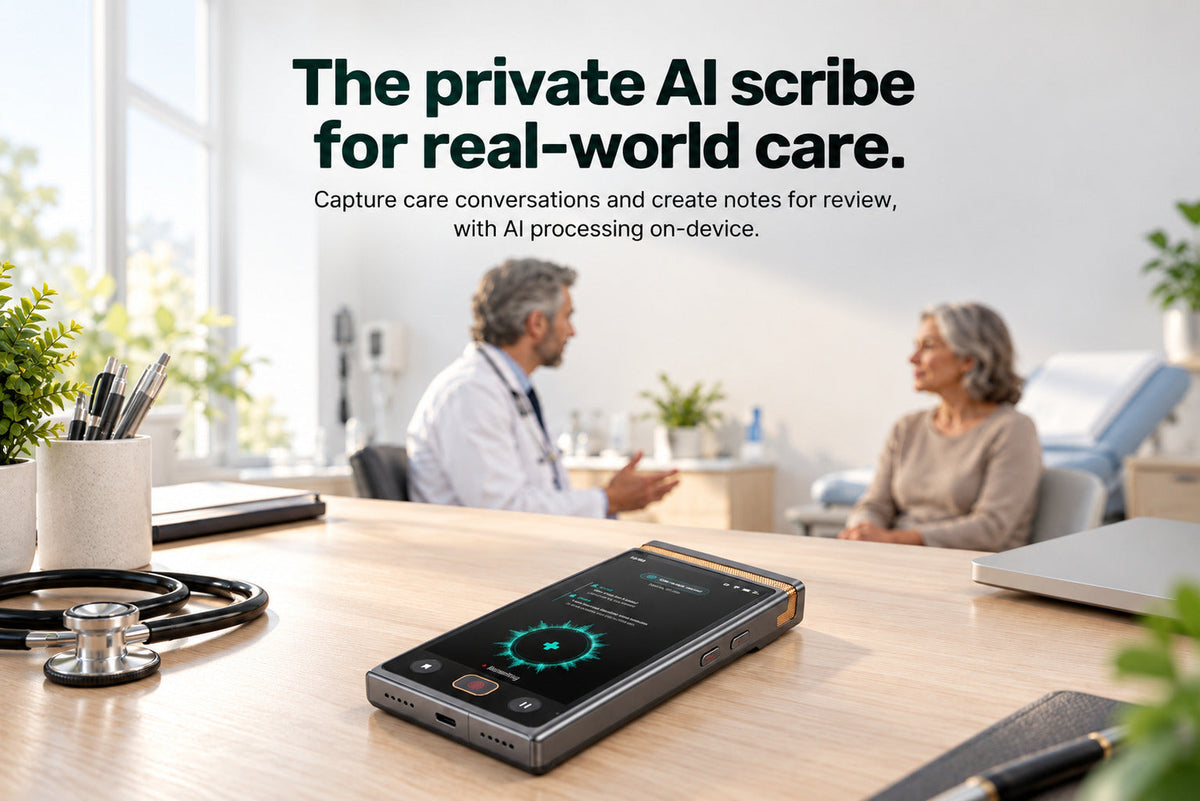
With TransAI Scribe, the input can begin in two ways: capture a care conversation with consent, or dictate a summary afterward. The device can turn either input into a structured draft using a format such as SOAP-style notes or a custom template. The clinician then reviews the draft, corrects it, and decides what belongs in the record.
The distinction between a draft and a finished clinical note is important. AI-generated text provides a starting point. Clinical judgment, correction, and final approval remain with the professional.
The complete path to evaluate
- Capture: Record with consent, or dictate a summary after the session.
- Process: Turn the approved input into a transcript and structured draft.
- Review: Check, edit, and finish the draft.
- Transfer: Copy or export only the reviewed content the clinician chooses.
Where does the AI processing happen?
“Dedicated device” describes the hardware. It does not, by itself, explain the data path. Some recorders store audio locally but send it elsewhere for transcription or note generation. Buyers should ask where each step occurs.
TransAI Scribe runs core transcription and note generation on the device. The core process does not require an internet connection, and session content is not uploaded to the cloud for those steps. This is different from simply recording offline and uploading the file later for AI processing.
Three questions should remain separate:
- Processing: Where does audio become text and a note draft?
- Retention: What remains on the device after processing, and for how long?
- Export: What reviewed content leaves the device, by whose action, and to which destination?
TransAI Scribe can be set to delete the audio recording after transcription and note generation are complete. That setting concerns the audio lifecycle. It should not be read as a claim that every transcript, draft, or exported copy is automatically deleted. Export is a separate action controlled by the clinician or an approved organizational process.
For a closer look at the processing boundary, see how TransAI runs core AI work on-device.
Five questions to ask before choosing a session-recording setup
Check calls, notifications, battery demands, operating-system behavior, and the need to switch between apps.
Separate offline recording from offline transcription and note generation.
Trace capture, processing, storage, deletion, and export as distinct steps.
Review the actual output format, template support, editing process, and limits—not only the promise of an “AI note.”
Confirm the supported copy or export method. Do not assume a product has direct EHR integration unless that specific workflow is verified.
When is an AI scribe device worth considering?
A dedicated device is most relevant when phone dependence creates visible friction: in-person sessions, frequent calls or notifications, unreliable connectivity, or concern about sending sensitive conversation data into a cloud processing path.
A phone-based app may still fit a practice that values convenience, already has an approved setup, and is comfortable with its recording, processing, retention, and export behavior. The right comparison is not hardware versus software in the abstract. It is whether the complete path—from consent to reviewed note—fits the way the professional actually works.
See how TransAI Scribe works, including its two capture options, structured drafts, on-device processing, review, and controlled transfer.

留言
所有留言在發布前都會經過審核。
此網站已受到 hCaptcha 保護,且適用 hCaptcha 隱私政策以及服務條款。