
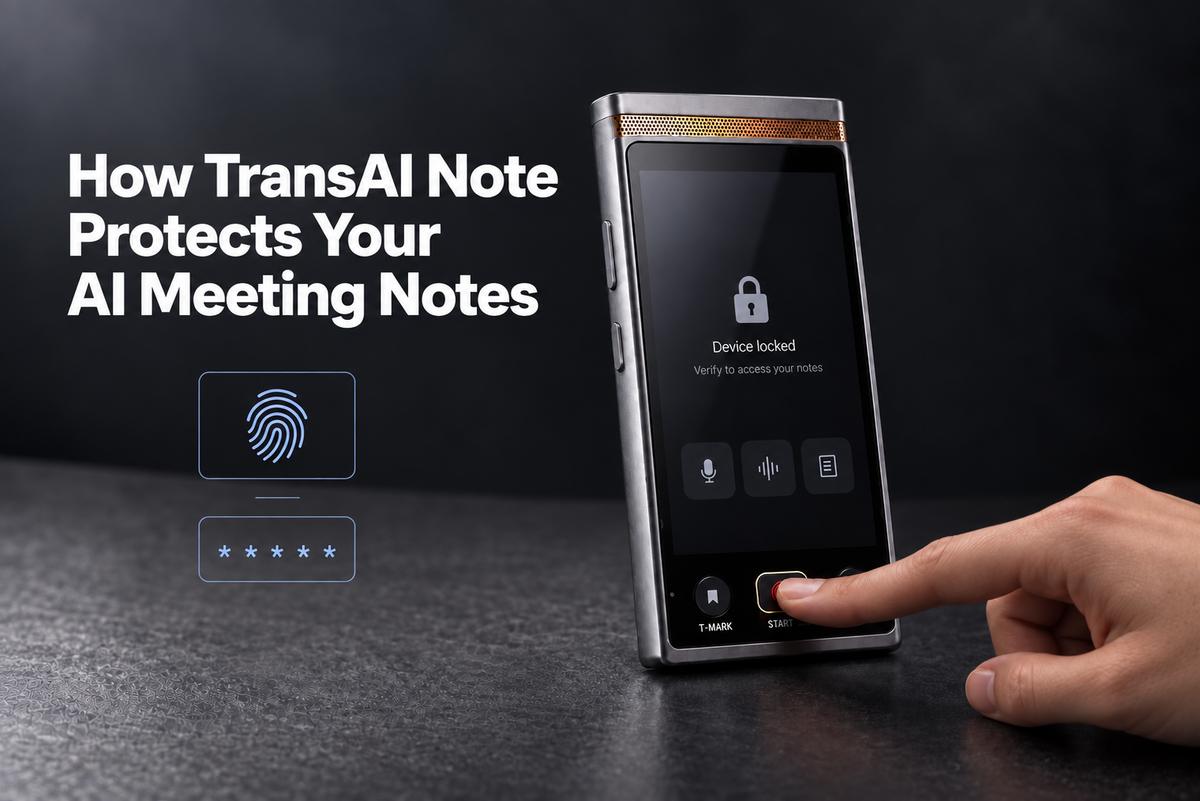
If an AI notetaker goes missing, access to its saved meeting content depends on the device’s identity verification, storage encryption, and protection of decryption keys. Where the AI runs is only one part of that question.
A client’s commercial terms, a board decision, or an unreleased product design can remain sensitive long after a meeting ends. A portable device may carry those records between offices, client sites, and offsite meetings.
TransAI Note combines on-device AI with fingerprint or PIN access, encrypted storage, and tamper response. Here is what each control protects, how they work together, and where their protection applies.
What needs protection on an AI meeting notetaker?
Recordings, transcripts, captured visuals, and generated notes can all contain sensitive meeting information. Protection needs to cover the saved record, including the context that makes it useful.
TransAI Note is the private AI notetaker for in-person meetings. It brings discussions, whiteboards, slides, decisions, and action items into one meeting record. A team can revisit the diagram behind a decision and check who owns the next step.
That record can reveal more than any single file. A whiteboard image may show a technical design; the transcript explains the trade-offs; the summary makes the final decision easy to find. Each deserves protection after the device leaves the room.
Does on-device AI protect stored meeting files?
On-device AI describes where processing happens. Access controls, encryption, and key protection determine how saved content is protected.
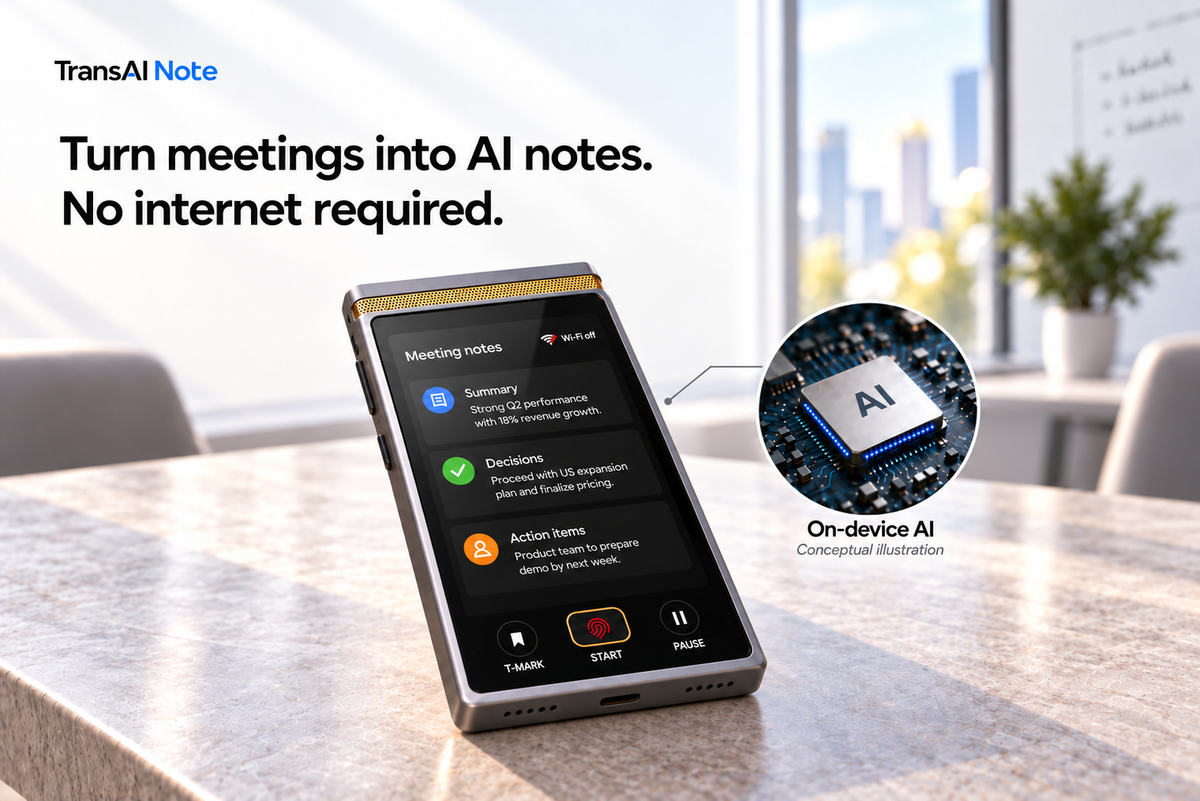
TransAI Note captures meetings, transcribes discussions, interprets visuals, and generates notes on the device, even with Wi-Fi off. Its core AI processing does not require sending meeting content to TransAI servers or third-party cloud services. The TransAI Note capture-to-notes process explains how the discussion and visual context become a reviewable record.
Once that record is stored, it needs protection against unauthorized access to the device itself. Three controls address different ways someone might try to reach it.
How TransAI Note protects access, storage, and keys
| Control | What it addresses |
|---|---|
| Fingerprint or PIN | Opening meeting content through the device requires identity verification. |
| Encrypted storage | Removing the storage chip alone does not make meeting files readable; hardware protects the keys needed to read them. |
| Tamper response | The device can detect unauthorized opening and destroy protected decryption keys, preventing their use to read stored files. |
Fingerprint or PIN: verify before viewing
Fingerprint or PIN verification controls access to meeting content on TransAI Note. Having the device in hand should not automatically mean being able to open its recordings and notes.
This is the access boundary a user encounters through the screen. Stored-file protection addresses attempts to bypass that normal route.
Encrypted storage: protect the files and their keys
TransAI Note encrypts meeting files, and its hardware protects the keys needed to read them. Encryption makes stored content unreadable without the appropriate keys.
Removing the storage chip alone therefore does not expose readable meeting files. Both the encrypted content and the protection of its decryption keys matter.
Tamper response: destroy protected decryption keys
TransAI Note can detect unauthorized opening of the device and destroy protected decryption keys. Those keys can no longer be used to read the stored files.
The response acts on the keys. Encrypted files may remain on the storage medium, while the destroyed keys are no longer available to decrypt them. Key destruction and physically erasing every file are different operations.
For general technical background, NIST’s definition of cryptographic erase describes a sanitization approach that acts on encryption keys.

What do these protections mean outside the meeting room?
The protections address access to sensitive records as a device moves between locations. Consider what may remain on it after three common meetings:
- Client conversations: confidential plans, commercial terms, and agreed next steps.
- Board discussions: strategy, financial assumptions, and potential transactions.
- Product and R&D reviews: unreleased designs, whiteboard diagrams, and the reasoning behind technical decisions.
For teams evaluating an AI notetaker, the useful questions are specific: What verification is required to open notes? How are files encrypted? What protects the keys? What event triggers a tamper response, and what does that response destroy?
These questions make device security easier to assess than a broad claim that a product is “private.”
Two boundaries worth understanding
Is a missing device the same as a tamper event?
No. Losing track of a device and detecting unauthorized opening are different events. The tamper response described here is tied to unauthorized opening; the description does not establish automatic key destruction simply because a device is missing.
Does device key destruction protect previously exported copies?
Destroying a device’s decryption keys does not erase a separate readable copy already exported elsewhere. Protection of an exported record depends on access and storage controls at its destination. Teams should consider both the device and the places where approved copies are kept.
Protecting the record is part of capturing it
Useful AI meeting notes preserve context, decisions, and next steps. TransAI Note pairs that job with controls for viewing content, storing files, and responding to unauthorized opening.
An AI notetaker can hold conversations that matter to an entire business. Protecting their record is part of the responsibility that comes with capturing them.
See how TransAI Note works to explore how discussions and visuals become useful meeting notes.


留言
所有留言在發布前都會經過審核。
此網站已受到 hCaptcha 保護,且適用 hCaptcha 隱私政策以及服務條款。