
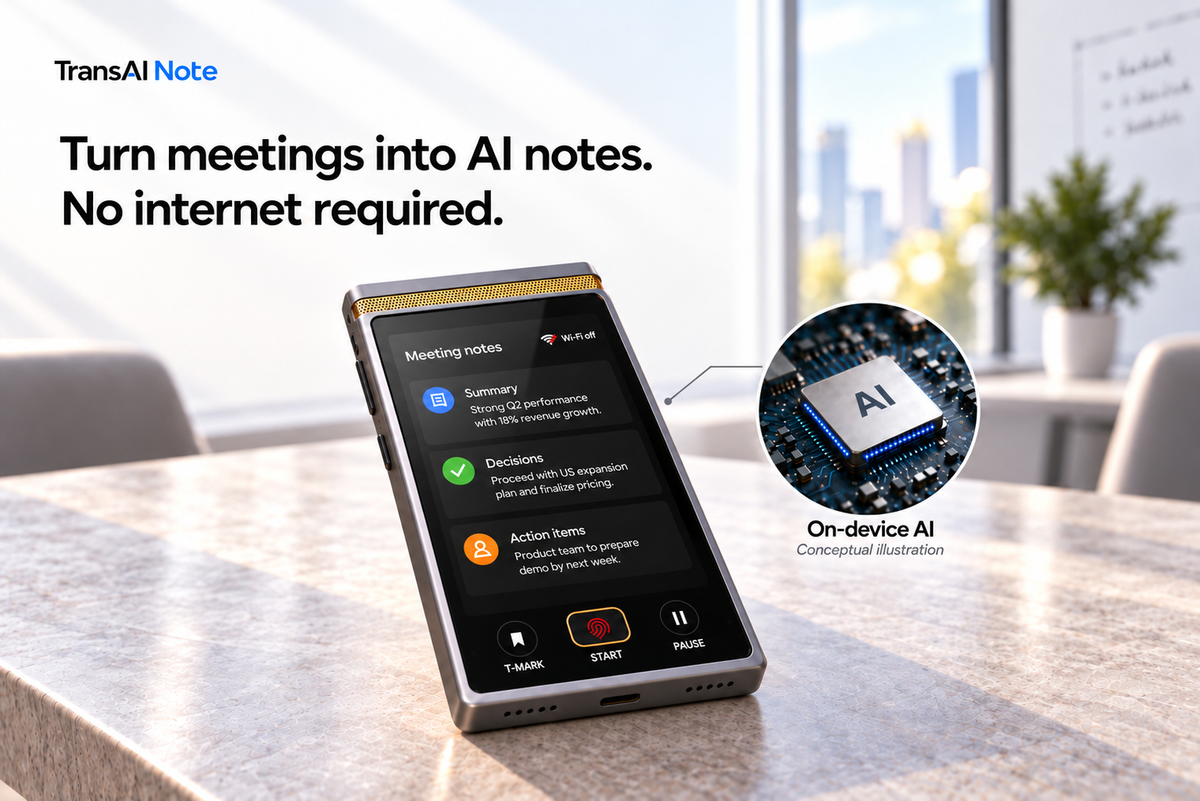
Offline AI note-taking turns a meeting into a transcript and structured notes without an internet connection. Offline recording saves audio; it does not, by itself, tell you whether transcription and summaries can also happen offline. That distinction matters when a team cannot access Wi-Fi, cannot upload a sensitive discussion to an unapproved service, or needs notes while a cloud service is unavailable.
The useful question is what happens after capture: can the device produce the notes locally, and who controls where meeting content goes next? This article separates those tasks, explains TransAI Note’s processing path, and gives teams a practical way to evaluate offline capabilities.
What is the difference between offline recording and offline AI note-taking?
Offline recording preserves the input. Offline AI note-taking also produces useful text from that input without remote processing. A saved audio file, a transcript, and a summary are different outputs. Support for one does not establish support for the others.
A recorder may save audio locally but require an upload before producing a transcript. Another device may transcribe offline while relying on a remote service for summaries. These are possible processing arrangements, not a comparison of named products. Buyers should check each task individually.
For meetings that use whiteboards or slides, there is another question: can the system interpret captured visual content locally? Capturing an image and understanding its content are separate capabilities. Visual processing is an additional requirement for those meetings, not a feature implied by every offline AI notetaker.
Do “offline,” “on-device,” and “private” mean the same thing?
Offline describes whether a task needs connectivity. On-device describes where processing happens. Privacy depends on the wider data path and controls. These terms answer different questions.
- Offline: Can the specific task finish without an internet connection?
- On-device: Does the AI process meeting content on the device itself?
- Data control: Where is content stored, who can access it, and who decides when it is transferred?
An offline recording feature alone does not establish how later processing or sharing works. Equally, on-device processing does not mean a device can never connect to a network. Buyers should separate the core note-generation tasks from any additional connected functions and check the requirements for each.
How does TransAI Note process a meeting without internet?
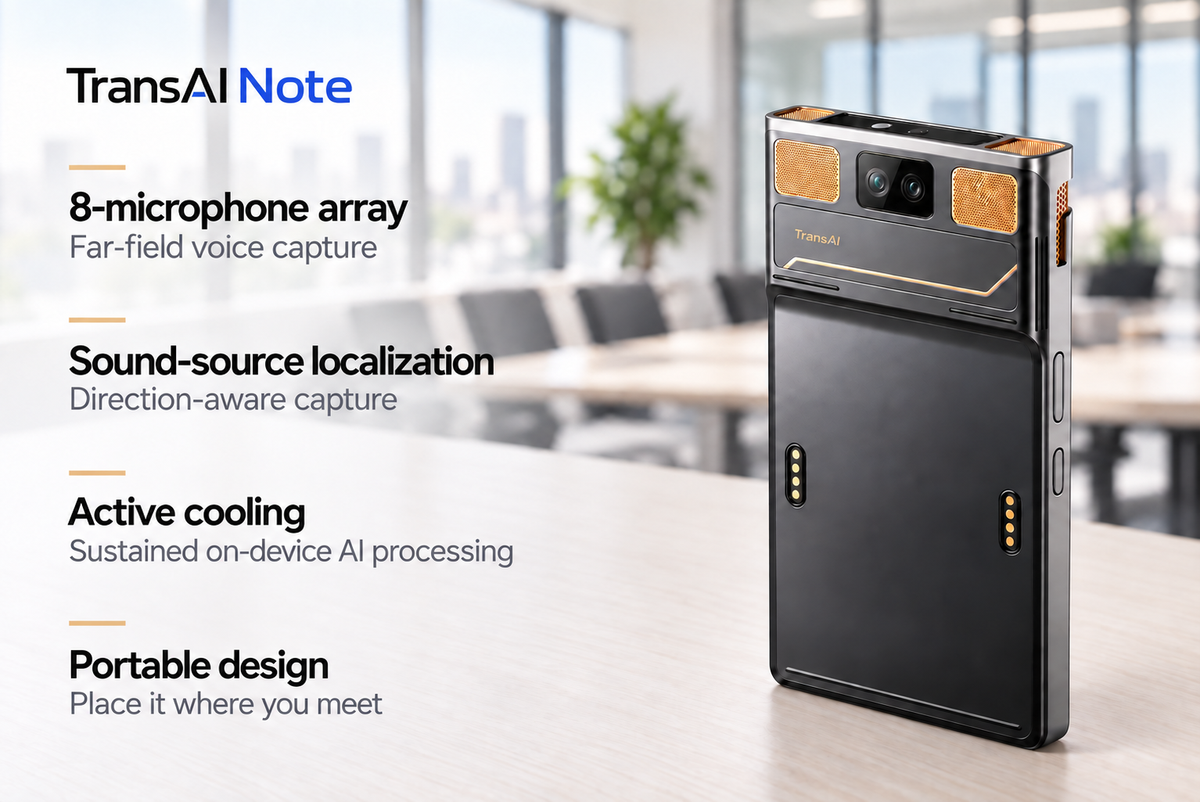
TransAI Note is the private AI notetaker for in-person meetings. TransAI Note captures discussions and visual content, transcribes speech, interprets visuals, and generates and organizes meeting notes on the device, without Wi-Fi.
The following map separates core processing from the later decision to transfer content. It describes the product’s processing approach, not results from a benchmark test.
| Stage | On TransAI Note | Result or control |
|---|---|---|
| Capture | Records audio and captures whiteboards or projected content locally | Meeting inputs are available on the device |
| Transcribe and interpret | Processes speech and captured visual content on the device | A transcript and visual context to review together |
| Generate and organize notes | Creates structured meeting notes locally | Decisions, action items, owners, risks, and open questions to review |
| Transfer | A separate action initiated by the user or organization | Content moves to an approved destination |
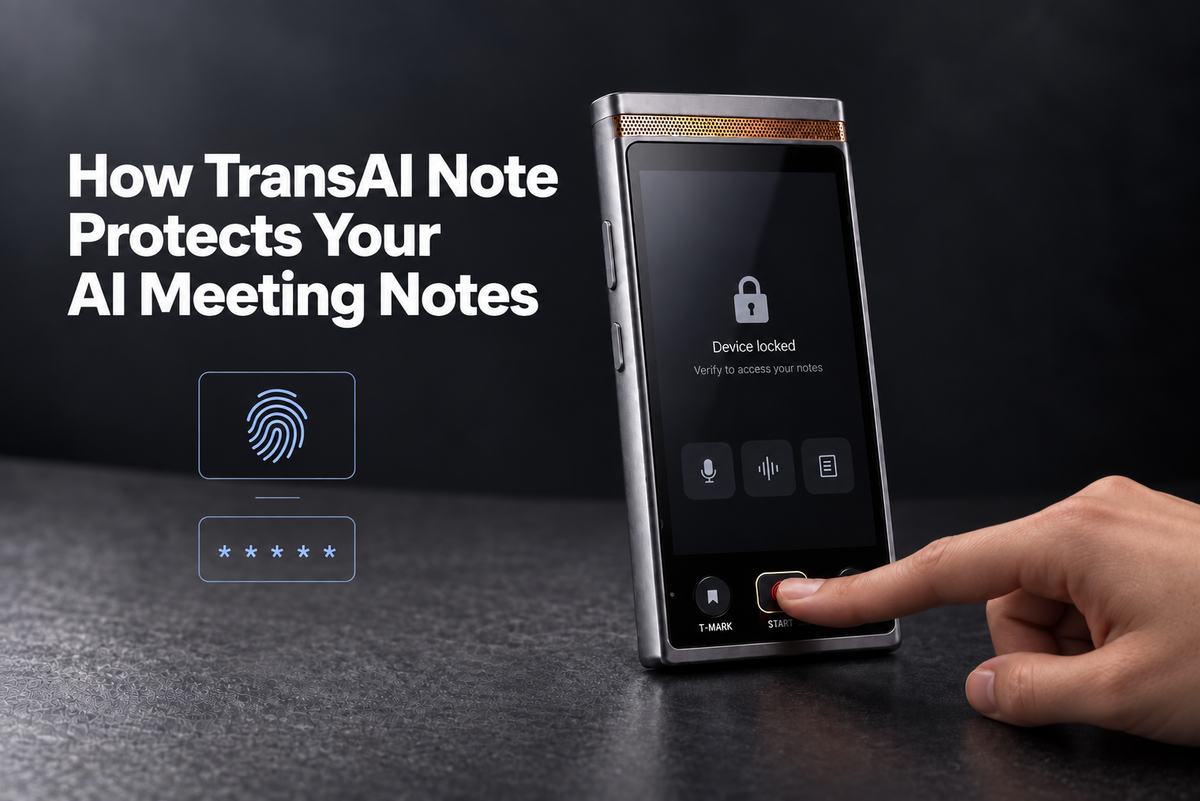
Meeting content stays on TransAI Note by default. Core AI processing happens locally, without sending meeting content to TransAI servers or third-party cloud services. Content moves to an approved destination only when the user or organization initiates the transfer.
The TransAI Note product walkthrough shows how capture, transcription, context processing, and note generation fit together. Generating the notes locally and choosing where to send them are separate decisions.
Why include visual understanding in the offline check?
Consider an illustrative product review: two approaches are drawn on a whiteboard, and someone says, “Let’s use this one.” A transcript preserves the words but may not explain which approach the speaker meant. Keeping the captured board with the discussion gives the team a reference when reviewing the decision.
For that meeting, offline transcription answers only part of the requirement. The buyer should also ask whether captured visuals can be interpreted without uploading them. Our article on whiteboard capture for AI meeting notes explains why the visual record matters.
When does offline AI note-taking matter in practice?
Offline processing is useful when the meeting can proceed but access to a network or approved remote processing service is restricted. Four situations make the distinction concrete:
- A customer visit without guest Wi-Fi. The team has permission to record the meeting but cannot access the customer’s network. Local processing lets note generation proceed without waiting for an upload.
- An in-person meeting where external bots are not allowed. A dedicated device can capture the room without requiring a bot to join an online meeting. Bot-free capture and offline AI are separate capabilities worth verifying.
- A sensitive product, board, legal, or M&A discussion. Meeting content cannot be uploaded to an unapproved service. On-device AI provides a way to create notes locally, while the organization controls any subsequent transfer.
- A network or cloud note-taking service outage. Remote processing is unavailable. TransAI Note’s core on-device processing does not depend on that service to transcribe and summarize the meeting.
How can a team verify an AI notetaker’s offline capabilities?
Ask for a demonstration that starts with a new meeting and ends with reviewable notes while the device remains disconnected. Opening notes generated earlier does not demonstrate offline note generation.
Use this practical evaluation sequence:
- Confirm the setup requirements. Ask which tasks work offline and what preparation is required before disconnecting. Record the model, software version, language, and settings used in the demonstration.
- Disconnect before capture. Verify that no active internet connection remains, then record a short, authorized discussion containing an explicit decision and an assigned next step.
- Generate fresh outputs while disconnected. Check that the device creates a new transcript and summary, rather than only saving audio for later processing.
- Test visuals if the team needs them. Add a readable whiteboard or slide. Ask for a demonstration of local visual interpretation, not simply a saved photograph.
- Review the record and transfer controls. Compare the notes with the discussion. Check decisions and owners, then ask where content is stored and which user or organizational action initiates a transfer.
This sequence is a suggested evaluation method, not a report of testing performed for this article. It checks offline functionality; it does not measure overall accuracy or replace a broader security assessment.
For an in-person team, the meaningful outcome is a meeting record it can review and use without waiting for a connection. TransAI Note brings conversations, visual context, decisions, and next steps together on the device, with users and organizations controlling what leaves it.

发表评论
所有评论在发布前都会经过审核。
此站点受 hCaptcha 保护,并且 hCaptcha 隐私政策和服务条款适用。