

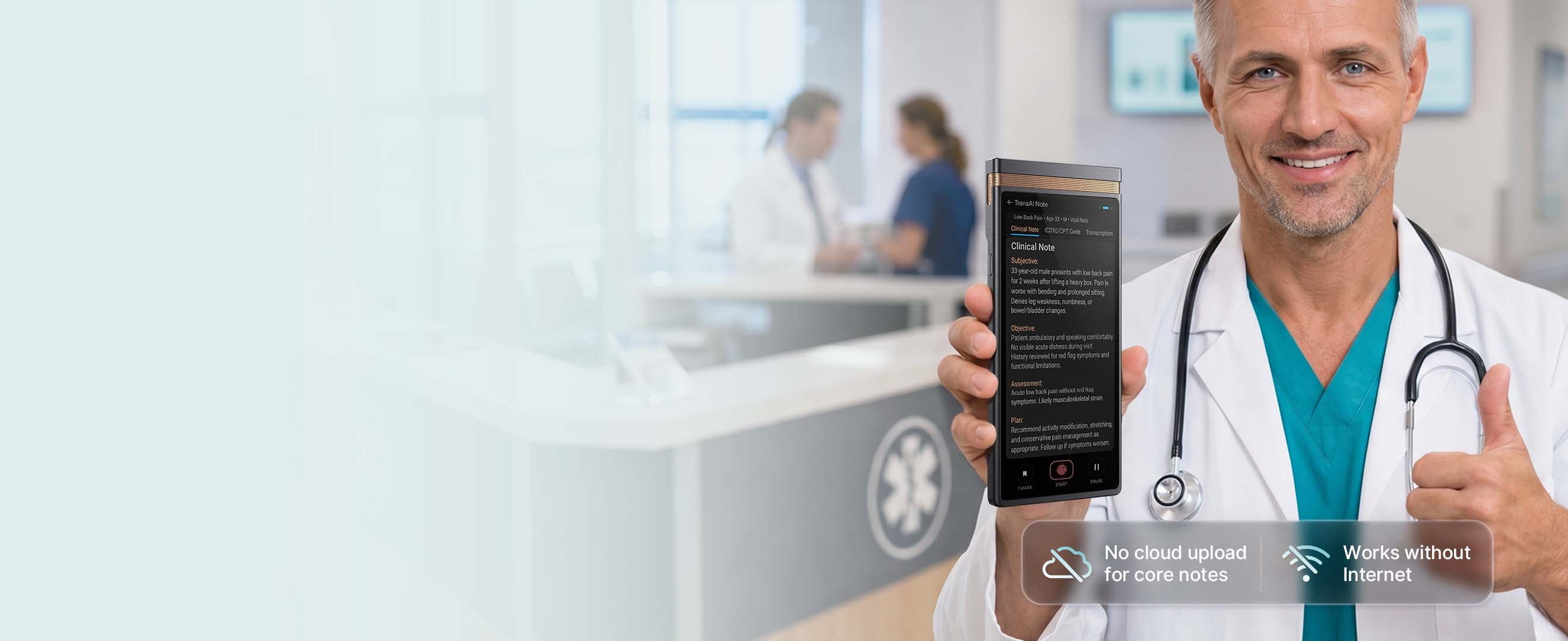
Made for clinicians, behavioral health teams, home-care providers, and other privacy-sensitive care workflows where every patient conversation needs to become usable documentation fast.
- Capture speaker-labeled clinician–patient transcripts with medical context.
- Create structured SOAP-style documentation for faster review and completion.
- Support coding and EHR workflows with outputs built for practical clinical use.
- Support privacy by design with fully on-device AI processing for clinical documentation.
The real documentation problem
Medical teams do not just need transcription. They need less after-hours charting, cleaner notes, and more control over patient data.
The strongest fit is not every medical organization. It is the provider or care team with frequent patient conversations, repeated documentation burden, privacy concerns, and a workflow that still depends on manual EHR entry.
Charting happens after the visit
Providers remember the conversation, reconstruct details, and finish notes later — often after clinic hours.
Documentation is fragmented
Conversation, transcript, SOAP note, billing context, and EHR entry often live in different tools and tabs.
Cloud AI creates hesitation
Teams want AI efficiency, but may be uncomfortable sending sensitive patient conversations to cloud-first tools.
Billing/coding context gets missed
Incomplete visit notes can weaken downstream review, coding follow-up, and reimbursement-related documentation.
Clinical workflow
From patient conversation to structured clinical note — without turning the visit into a typing session.
TransAI Note is designed to sit inside the real clinical workflow: capture the conversation, separate speakers, draft the note, and let the clinician review before anything enters the medical record.
01
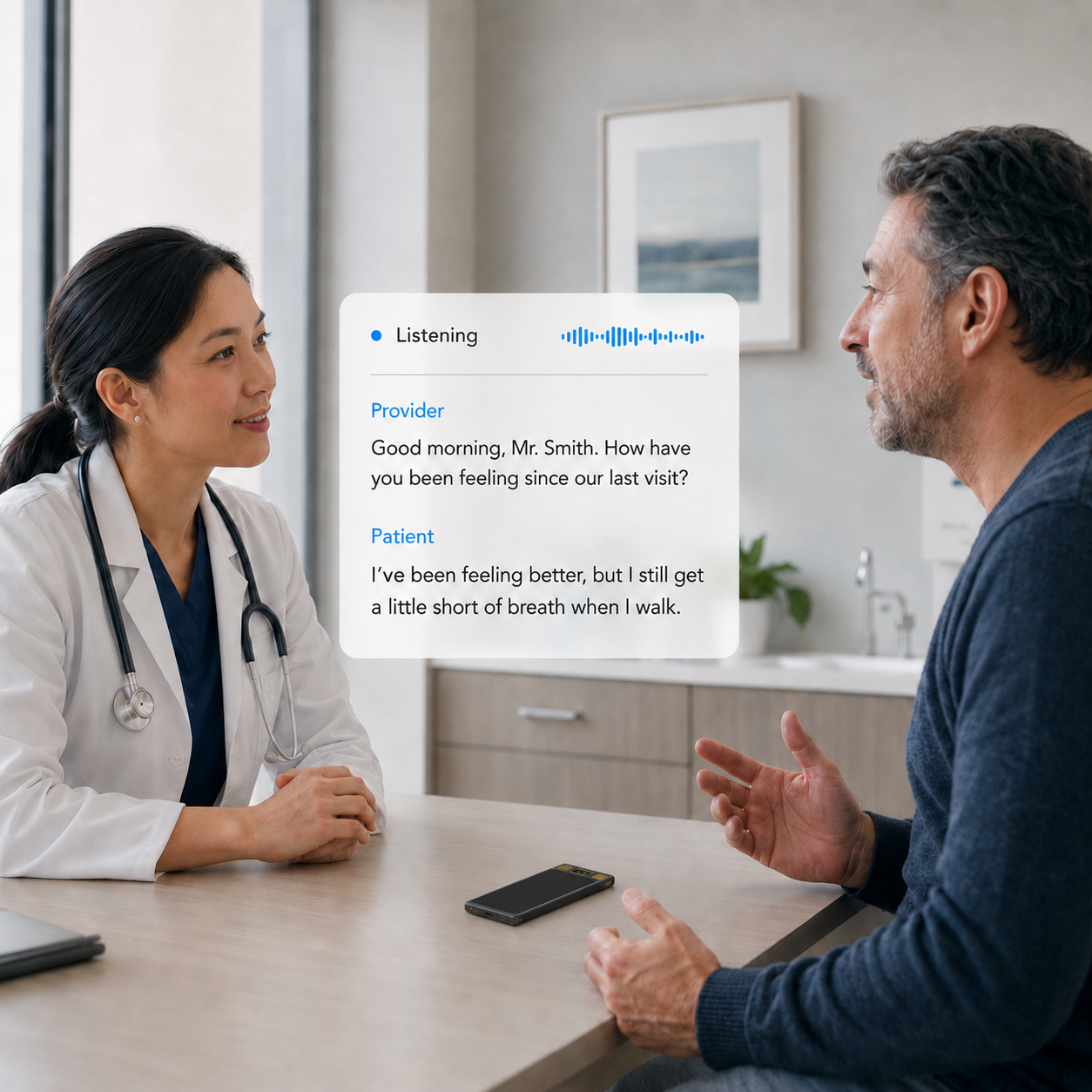
Capture the visit while the provider focuses on the patient.
Instead of typing during the conversation or dictating from memory later, TransAI Note captures the clinical dialogue at the point of care.
- Designed for doctor-patient and nurse-patient conversations
- Speaker ID to separate provider and patient speech
- Medical terminology-aware transcription workflow
- Supports in-room, home visit, and care facility scenarios
02
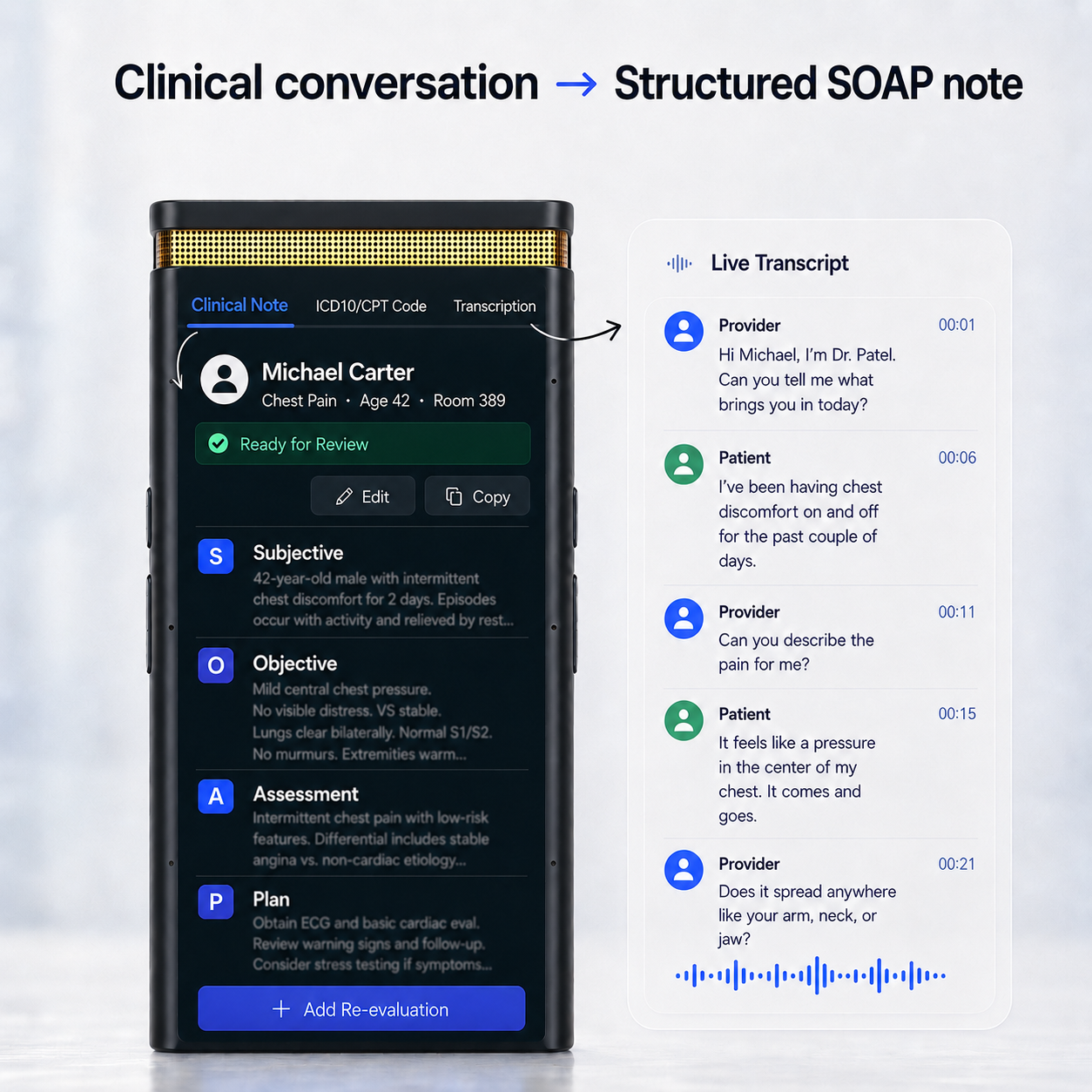
Turn the conversation into a structured note draft.
TransAI Note converts the visit into a ready-to-review clinical draft, such as SOAP-style notes, progress notes, visit summaries, and follow-up instructions.
- Subjective / Objective / Assessment / Plan structure
- Doctor-patient separated transcript for easier review
- Clinical context preserved from the original conversation
- Draft output generated by on-device AI processing
03
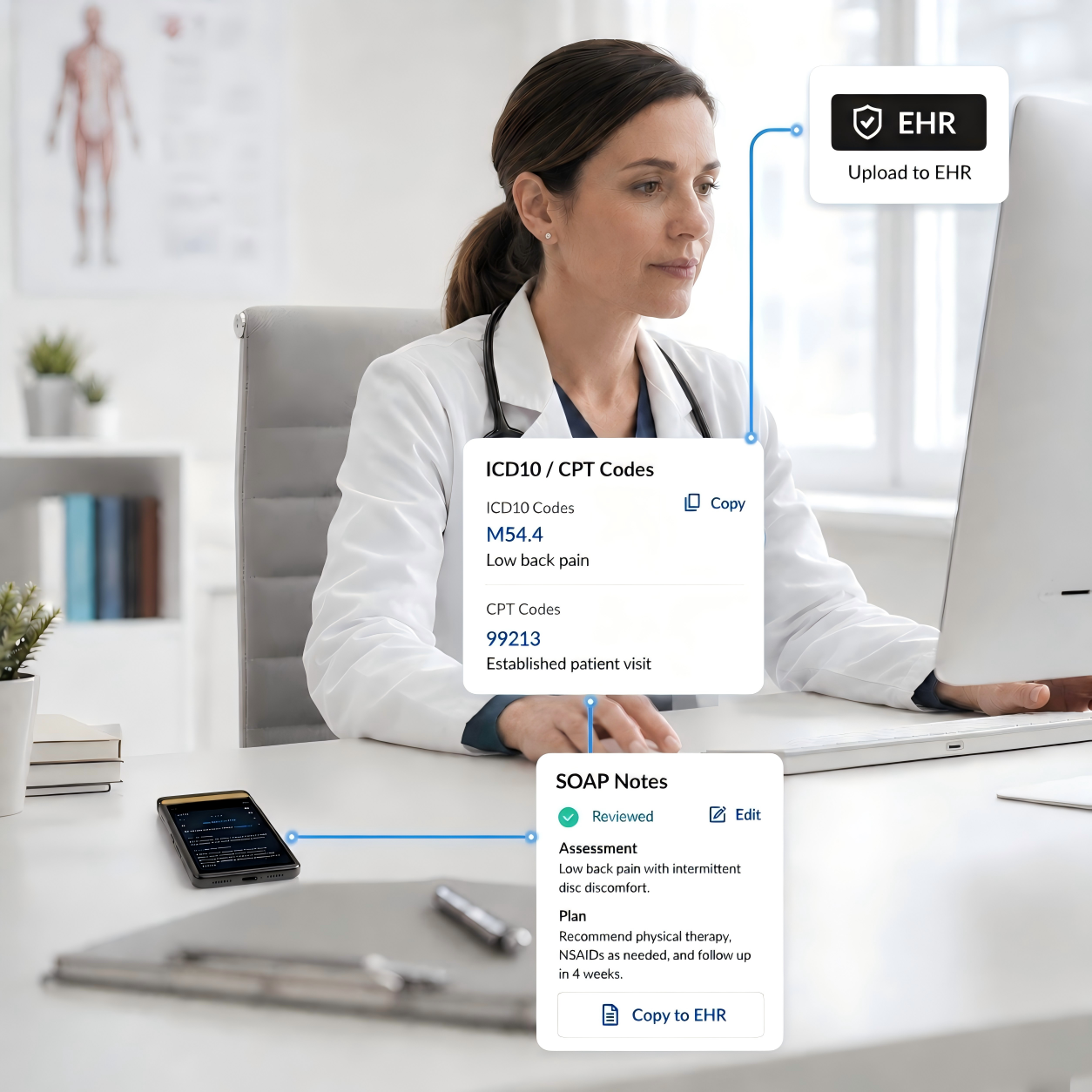
Review, edit, and move the note into your existing workflow.
The provider remains in control. Notes are reviewed before use, then moved into existing EHR workflows through copy/paste, desktop sync, or supported integration paths.
- Clinician review before EHR use
- Copy & paste ready note sections
- Desktop companion workflow for note editing and transfer
- Optional medical templates and integration support through service plans
Why TransAI Note
A dedicated on-device AI scribe for teams that care about privacy and documentation efficiency.
TransAI Note is not “another AI notetaker.” It is a dedicated medical documentation device for privacy-sensitive, high-frequency clinical conversations.
On-device AI processing
Core transcription and note generation are designed to run locally on the device, reducing reliance on cloud-first AI workflows for sensitive conversations.
Speaker-labeled clinical transcript
Doctor and patient speech can be separated to make note review easier and help the AI generate better SOAP, progress, and visit note drafts.
Built around existing EHR behavior
Early workflow should emphasize review, edit, and copy/paste into EHR instead of overpromising deep EHR integration from day one.
Dedicated hardware, not another app tab
A purpose-built device can stay in the exam room or travel with the provider, reducing dependence on phones, browser tabs, and cloud meeting bots.
Configurable audio retention policy
For privacy-sensitive workflows, original audio can be auto-deleted after transcription or retained according to organization policy and review needs.
Medical templates and service support
Medical note templates, vertical medical AI models, device admin management, and integration support can be packaged through the Medical Scribe Service Plan.
Best-fit medical scenarios
Providers who feel the documentation pain every day.
TransAI Note is designed for medical teams with frequent patient conversations, clear documentation burden, privacy sensitivity, and willingness to try a dedicated AI device.
Primary care & family clinics
High visit volume, repeated SOAP notes, frequent after-hours charting, and clear willingness to test time-saving documentation workflows.
Behavioral health & therapy
Long sessions, narrative context, privacy sensitivity, and a strong need for structured progress notes without distracting the provider.
Home health & hospital-at-home
Providers document in patient homes, often away from a full workstation. A dedicated device can capture the encounter and support later EHR entry.
Nursing homes & senior care
Nurses and care staff need consistent documentation across recurring patient interactions, family updates, and care coordination conversations.
Specialist clinics
Orthopedics, cardiology, neurology, dermatology, and other specialties can benefit from structured notes and specialty-specific templates.
Bilingual patient conversations
Clinics serving Spanish, Chinese, Vietnamese, Korean, and other language communities can use transcript and note translation workflows where supported.
FAQ
Frequently asked questions
Key questions medical teams often ask when comparing TransAI Note with cloud-based AI scribes and software-first documentation tools.
Is this meant to replace clinicians reviewing notes?
No. TransAI Note is designed to generate note drafts and transcripts that providers review, edit, and approve before use in the medical record.
Why not just use a cloud-based AI medical scribe?
Many cloud scribes can be convenient, but privacy-sensitive teams may prefer a workflow where core AI processing happens on a dedicated local device.
How does it work with the EHR?
The practical early workflow is review and copy/paste into existing EHR systems, with desktop sync and integration support as the workflow matures.
What happens to the original audio?
Audio retention should be configurable. Privacy-sensitive teams can use an auto-delete-after-transcription policy, while other workflows may retain audio according to internal policy.